
Introduction
Cool Live Captions is a free and open source live caption desktop application that converts audio from your microphone or system audio to text in real-time. The speech recognition is powered by april-asr library with ONNX format. The model management allows you to download and switch between different models easily. All processed on-device using your CPU.
Windows and Linux are currently supported. macOS is coming soon. For FAQs and details, please see the Wiki page.
Disclaimer: Cool Live Captions is experimental and captions may not be 100% accurate. Please do not rely on it for critical purposes.
Screenshot
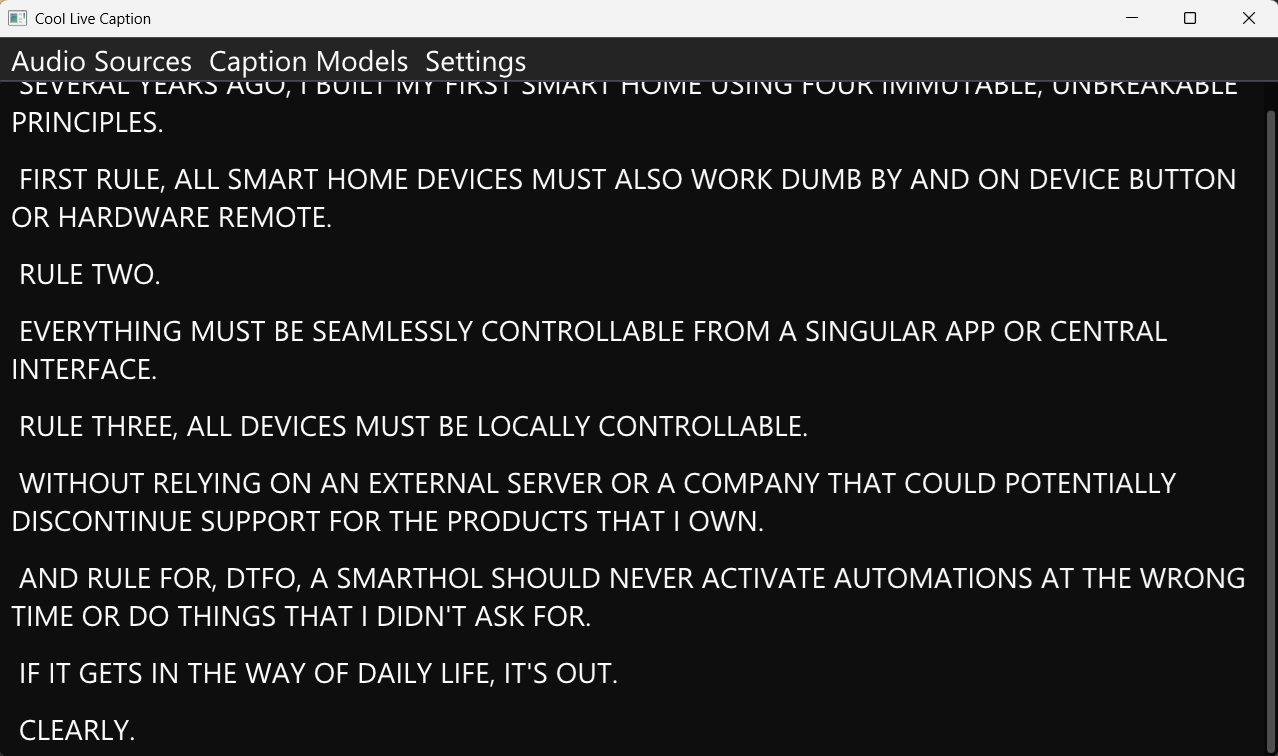 |
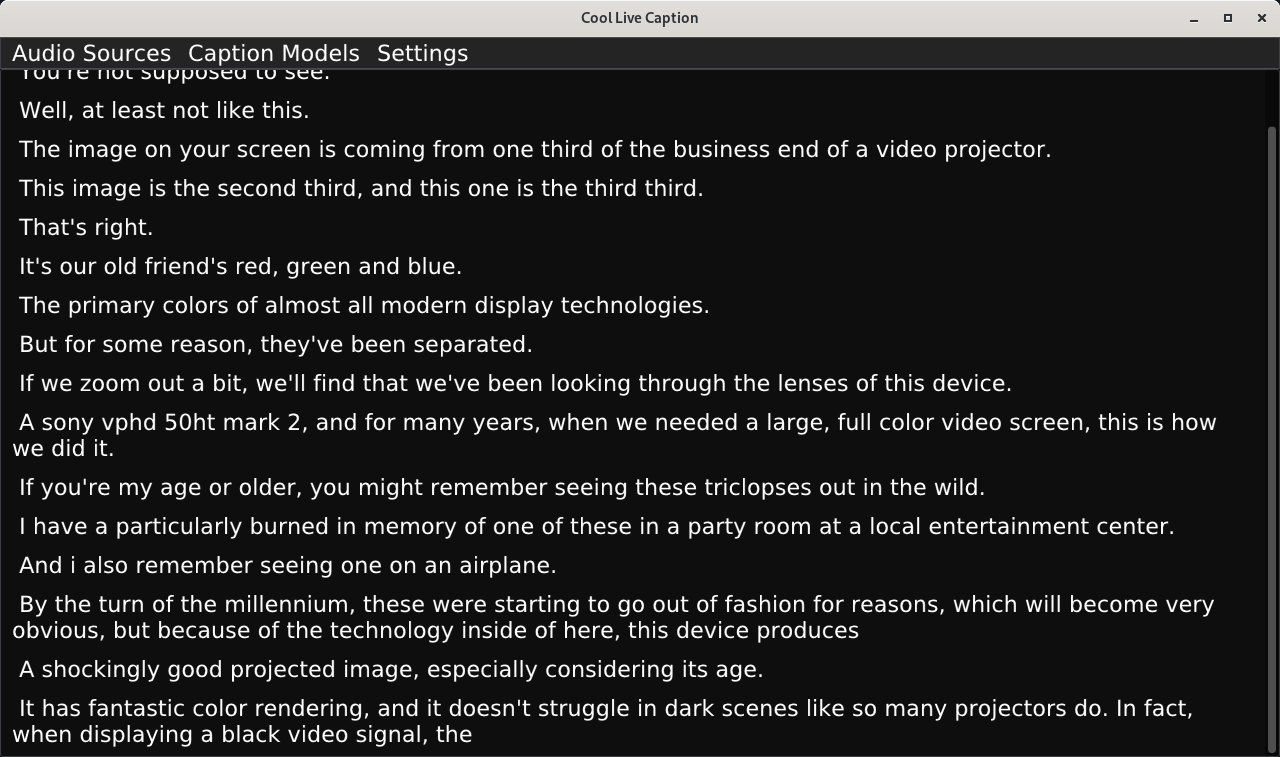 |
|---|---|
| Windows 11 (Full Image) | Linux GNOME (Full Image) |
Quick Start
- Download the latest release for your platform.
- Install and launch the Cool Live Captions.
- The Cool Live Captions will ask you to download a model first, click “Yes”.
- Download and install a model from the list.
- Once a model is loaded, the live captions will start immediately.
Important: Our own models are under development and will be available soon. You can also use other models provided by abb128’s april-asr: https://abb128.github.io/april-asr/models.html.
Any issue, please submit on the GitHub Issues page.
For AppImage file, set executable permission via GUI or commandline before running.
Acknowledgements
This project makes use of a few libraries:
- april-asr - for on-device speech-to-text/speech recognition (License: GPL-3.0, © abb128 and contributors)
- ONNX Runtime - for running ONNX models efficiently (License: MIT, © Microsoft Corporation)
- Dear ImGui - for the GUI framework (License: MIT, © Omar Cornut and contributors)
- GLFW - for creating windows, contexts, and managing input (License: zlib/libpng, © Camilla Löwy)
I would like to thank to abb128 (and contributors of april-asr) for creating april-asr libary.
License
Cool Live Captions is free software licensed under GPL-3.0. See LICENSE for details.